
Ready to start learning? Courses assigned to you by your organization are all in one place on Varsi, so finding and starting your training is easy.
Here’s how to get started.
Step 1: Open My Courses
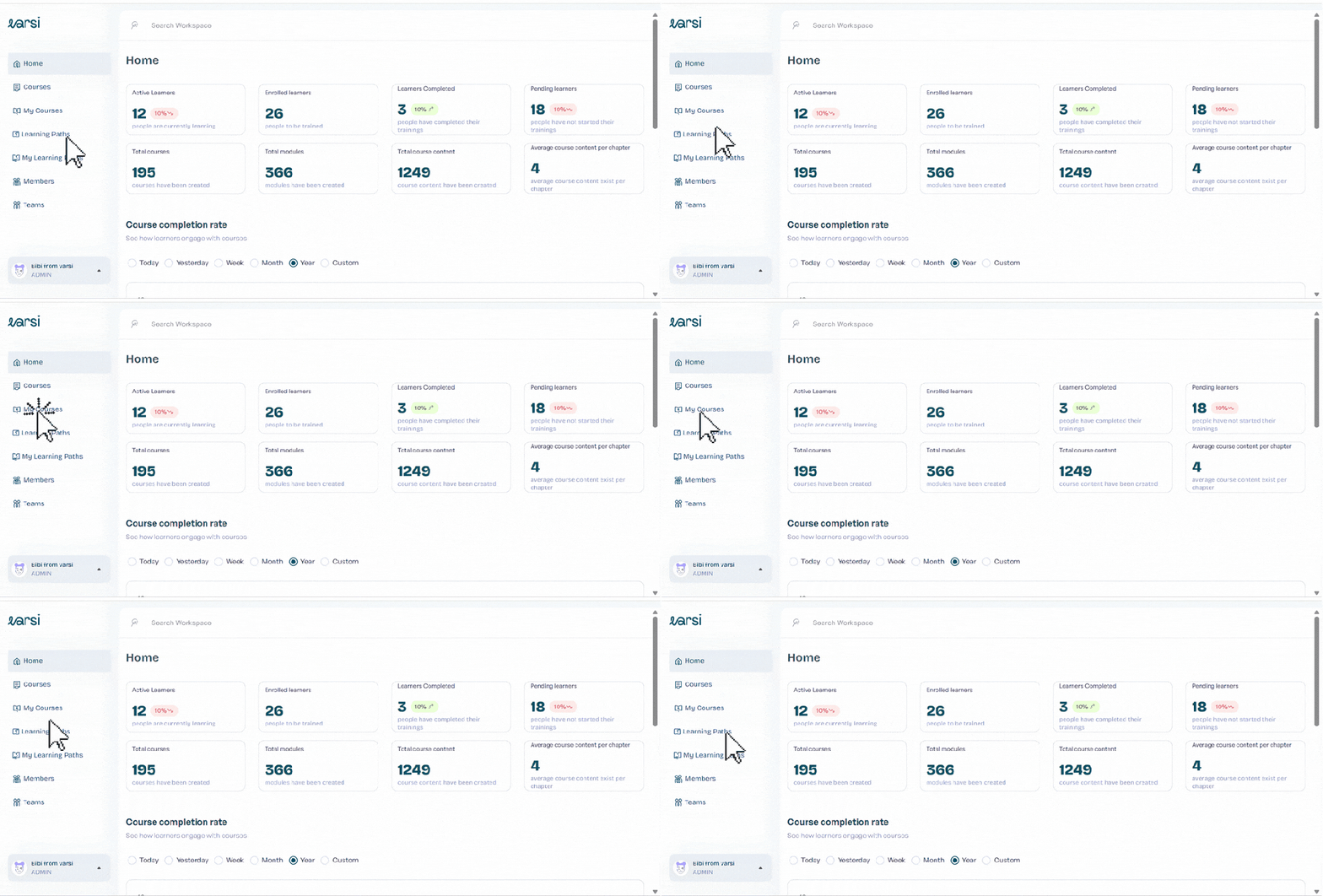
From your Varsi dashboard, head to the menu on the left-hand side.
You’ll find My Courses alongside Home, Courses, Learning Paths, Teams, and Members.
Click My Courses to open your learning dashboard.
Step 2: Find Your Assigned Course
The My Courses page shows all the courses your organization has assigned to you.
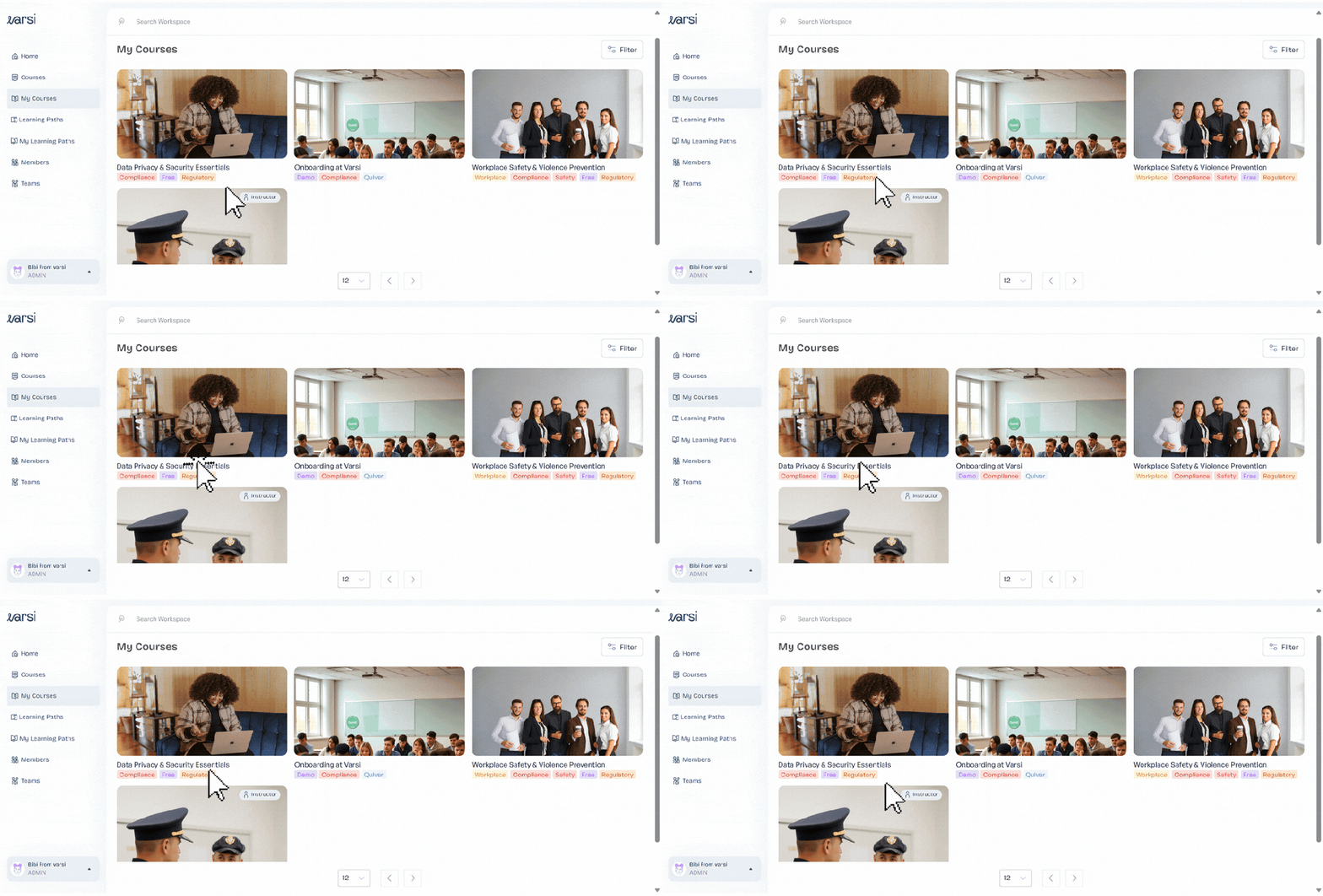
Browse your assigned courses and find the one you want to take.
Step 3: Open the Course
Click on the course to open it and access its training content.
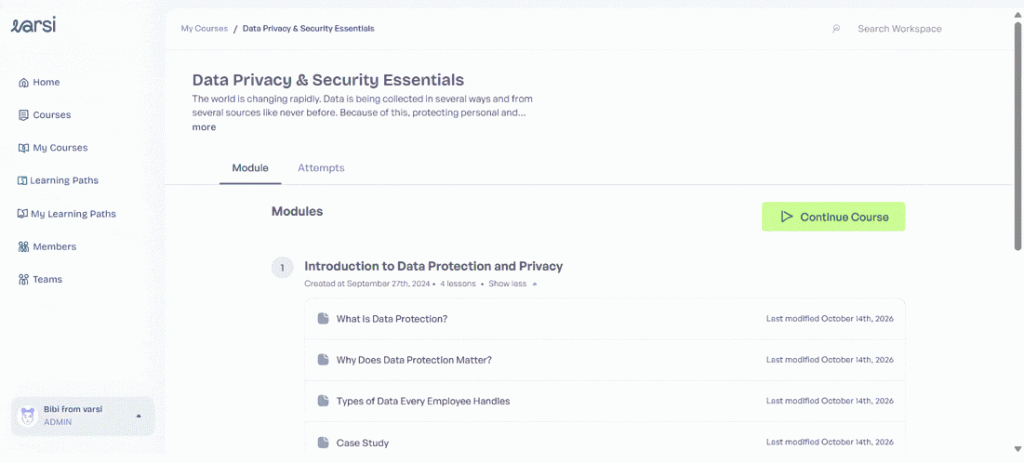
From here, you can begin working through the course and complete the lessons and activities included in your training.
And that’s it! Whenever you’re ready to continue learning, simply head back to My Courses to access the training assigned to you.


Leave a Reply